AI YouTube Thumbnail Generator
Generate 4 unique thumbnail options instantly. 1280×720 PNG downloads, optimized for clicks. No login required.
Preset Saving
Subscribe to save thumbnail generation presets. See plansClose tab = presets are only kept locally unless saved.
Tip: Be specific about composition, colors, text, and mood
The Free AI YouTube Thumbnail Generator That Creates Click-Worthy Designs
Stop spending hours designing thumbnails. Our free AI YouTube thumbnail generator creates 4 unique 1280×720 thumbnail options in seconds. Each variation uses a different visual approach—from bold close-ups to clean minimalist designs—so you can A/B test which performs best for your audience.
Unlike basic template tools, our AI thumbnail maker generates completely original designs based on your video title and topic. Choose from hook angle presets like Curiosity, Shock, Authority, Comparison, or Tutorial to match your content style. Add optional text overlays (2-5 words) for maximum impact.
Every thumbnail is automatically sized to the perfect 16:9 aspect ratio and exported as a high-quality PNG file. No watermarks, no subscription required. Just enter your video details, click generate, and download your thumbnails. Ready to upload directly to YouTube.
What You'll Get: Thumbnail Styles
Our AI generates thumbnails in different styles. Here's what each approach delivers.
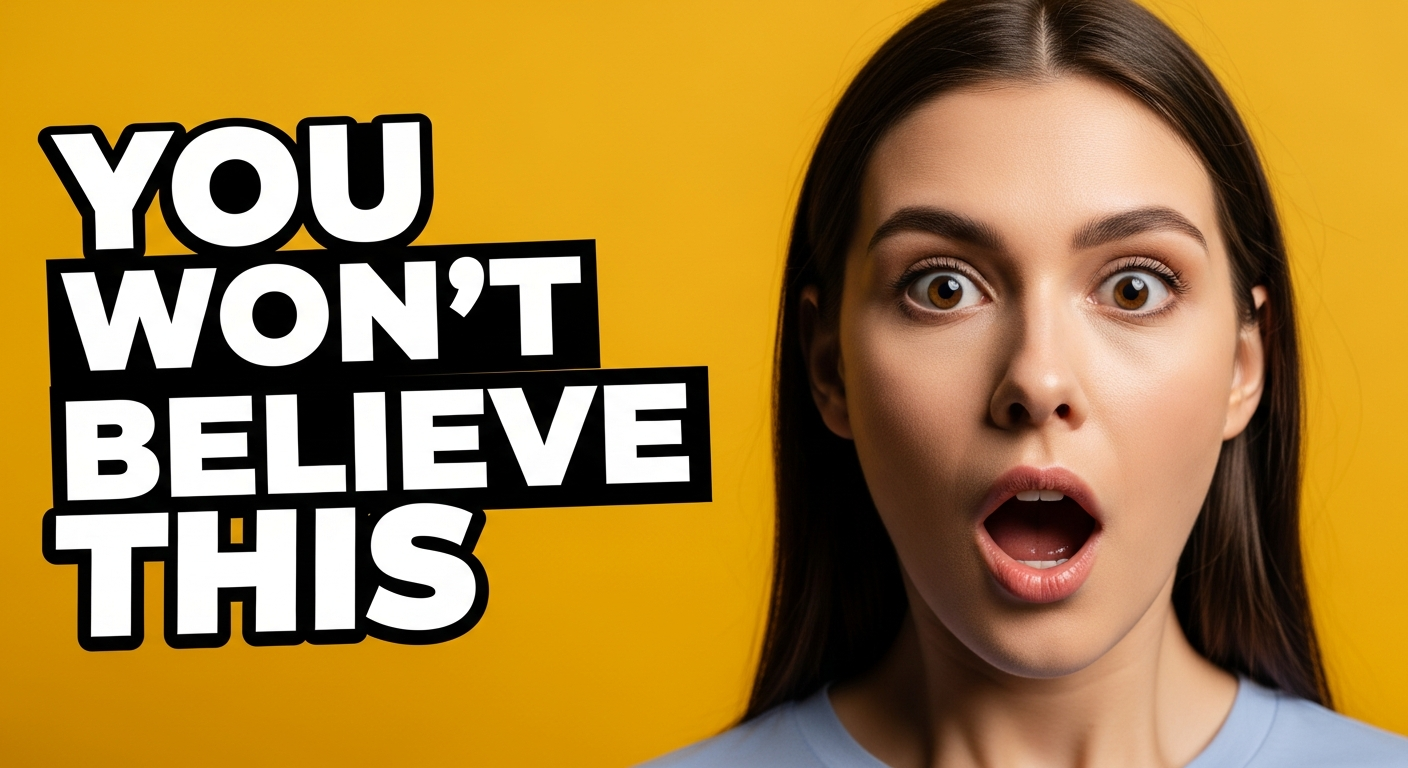
Curiosity Hook Thumbnail
Creates intrigue with questions or surprising visuals
- Bold question text
- Dramatic lighting
- Single focal point
- High contrast colors
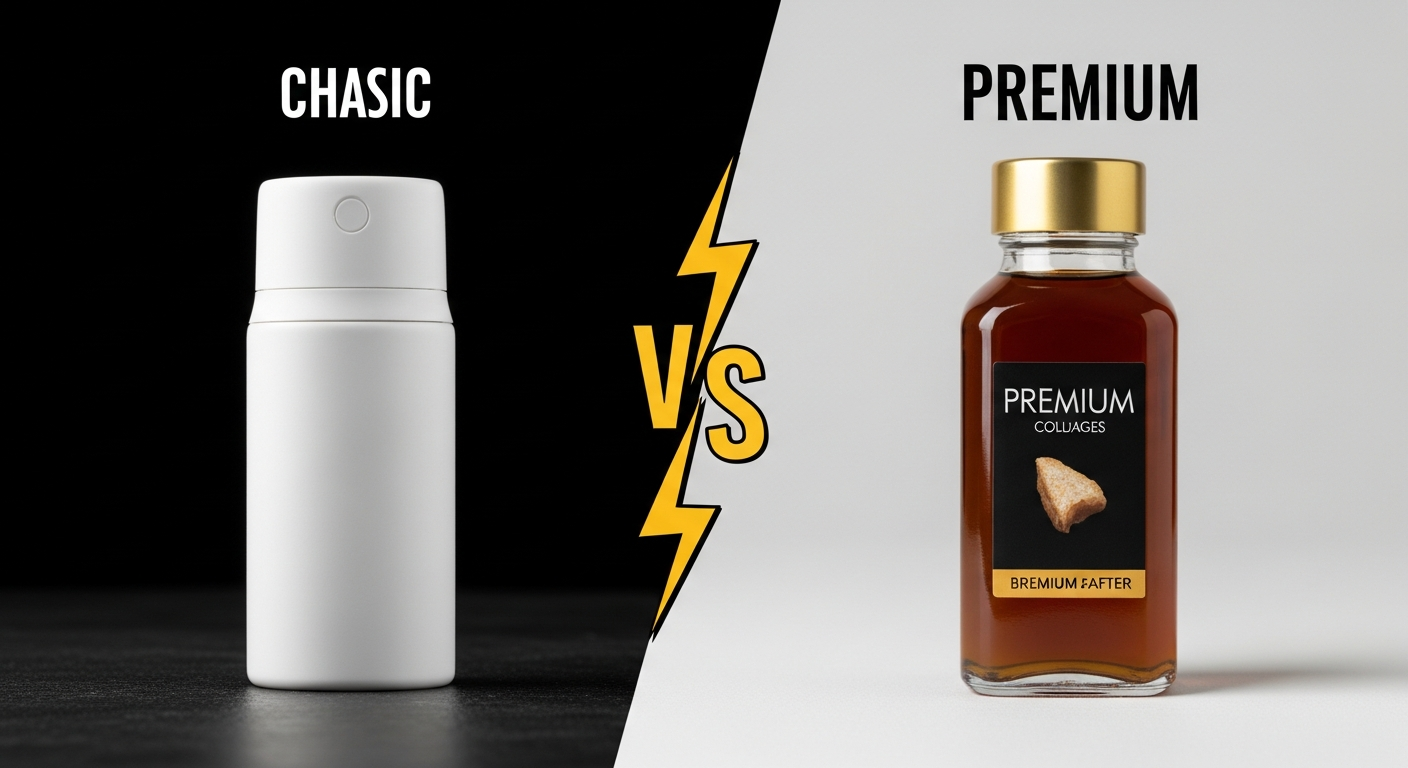
Comparison Thumbnail
Side-by-side or before/after style layouts
- Split-screen composition
- Clear vs/or divider
- Contrasting elements
- Easy to scan
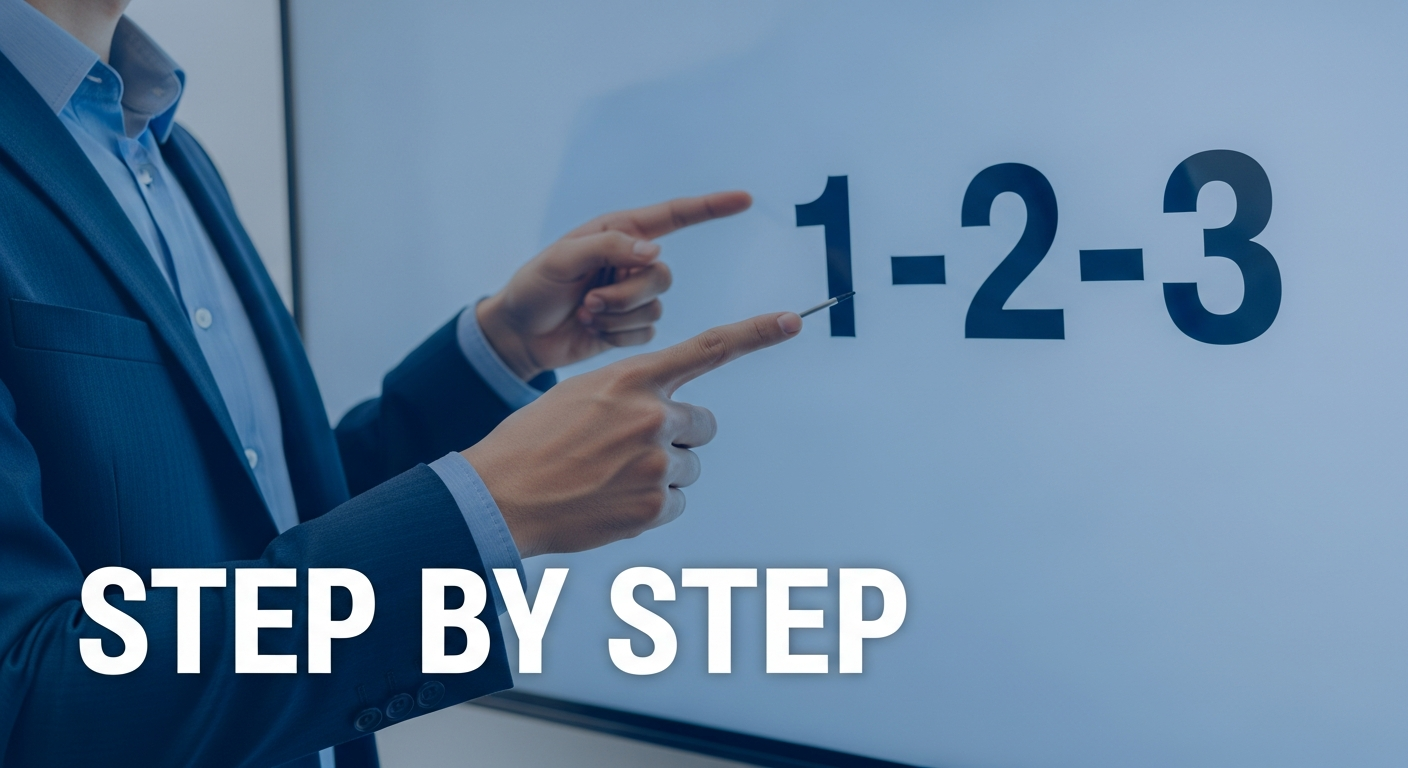
Tutorial Thumbnail
Clean, educational look that builds trust
- Step indicators
- Clean background
- Professional subject
- Readable text overlay
Everything You Need to Create Perfect Thumbnails
Built specifically for YouTube creators who want high-CTR thumbnails without the design hassle.
4 Variations per Click
Get 4 unique thumbnail concepts with different compositions
16:9 (1280×720) Output
Perfect YouTube thumbnail size, ready to upload
High-Contrast, Mobile-Readable
Optimized for small screen visibility
Hook Angle Presets
Curiosity, Shock, Authority, Comparison, Tutorial styles
Text Overlay Control
Add 2-5 word overlays that render cleanly
Regenerate Similar Variants
Like a thumbnail? Generate more like it
Download PNG Instantly
High-quality PNG files, no watermarks
Prompt Preview
See exactly what prompt generated your thumbnails
How VCM Compares to Other Options
| Feature | VCM Generator | Canva | Generic AI Tool |
|---|---|---|---|
| Price | Free | Free tier + paid | Usually paid |
| 4 Options at Once | ✓ | ✗ | ✗ |
| 1280×720 Export | ✓ Auto | Manual setup | Varies |
| Hook Angle Presets | ✓ 5 presets | ✗ | ✗ |
| Thumbnail-Optimized | ✓ Built-in | Templates only | ✗ |
| No Login Required | ✓ | ✗ | Sometimes |